VLC is a popular media player known for its versatility and wide format support. It plays almost any media file without needing extra codecs. However, some users seek alternatives due to its complex interface or specific feature needs.
This article reviews the best VLC alternatives available today. We will explore their features, pros, and cons.
Whether you need a simple interface or advanced features, there’s a media player for you.
Discover options that enhance your media experience.
Let’s dive into the world of media players beyond VLC.
Why Look for VLC Alternatives?
VLC media player is robust but can be overwhelming for some users. Its complex interface might not suit everyone’s preferences. Some users seek a simpler design and more intuitive navigation.
Alternatives may offer features not found in VLC. These can include:
- Enhanced streaming capabilities
- Advanced audio and video effects
- Integrated media organization
Different media players cater to specific needs. Whether it’s improved media management or reduced resource usage, there’s an option out there for you. Exploring alternatives can lead to a better media experience.
Key Features to Consider in a Media Player
Choosing the right media player involves assessing key features. Not all players offer the same capabilities, so being selective is important. Some focus more on user interface, while others emphasize functionality.
Here are features to look for in a media player:
- Wide format support
- Streamlined and intuitive interface
- Customizable settings and options
Before settling on a player, assess your specific needs. Whether it’s format versatility or ease of use, different features cater to different user preferences. Selecting wisely can enhance your playback experience significantly.
Top VLC Alternatives Reviewed
Exploring VLC alternatives opens a world of diverse media players. Each offers unique features suited for different needs. Here, we’ll review some top contenders.
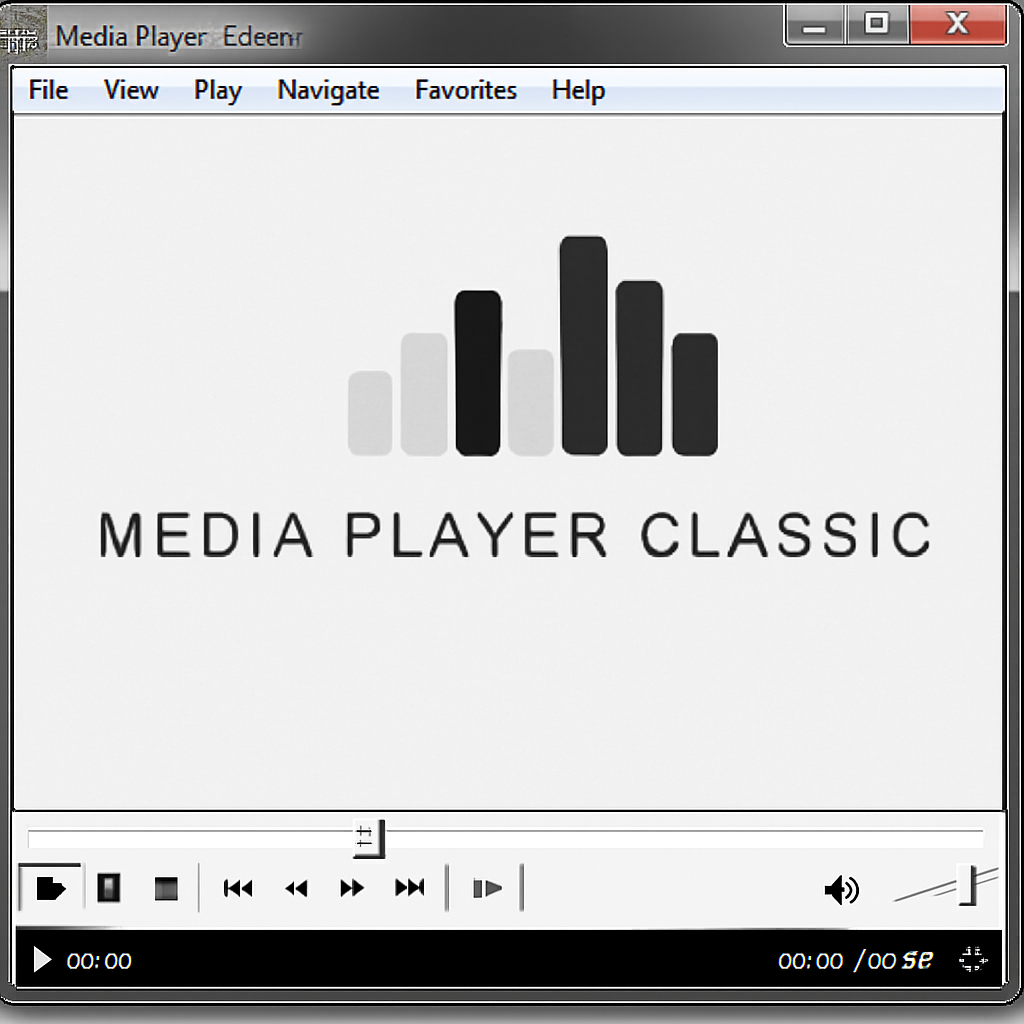
First on the list is Media Player Classic (MPC). It’s a lightweight media player famous for its simple interface. Ideal for Windows users, MPC offers smooth playback.
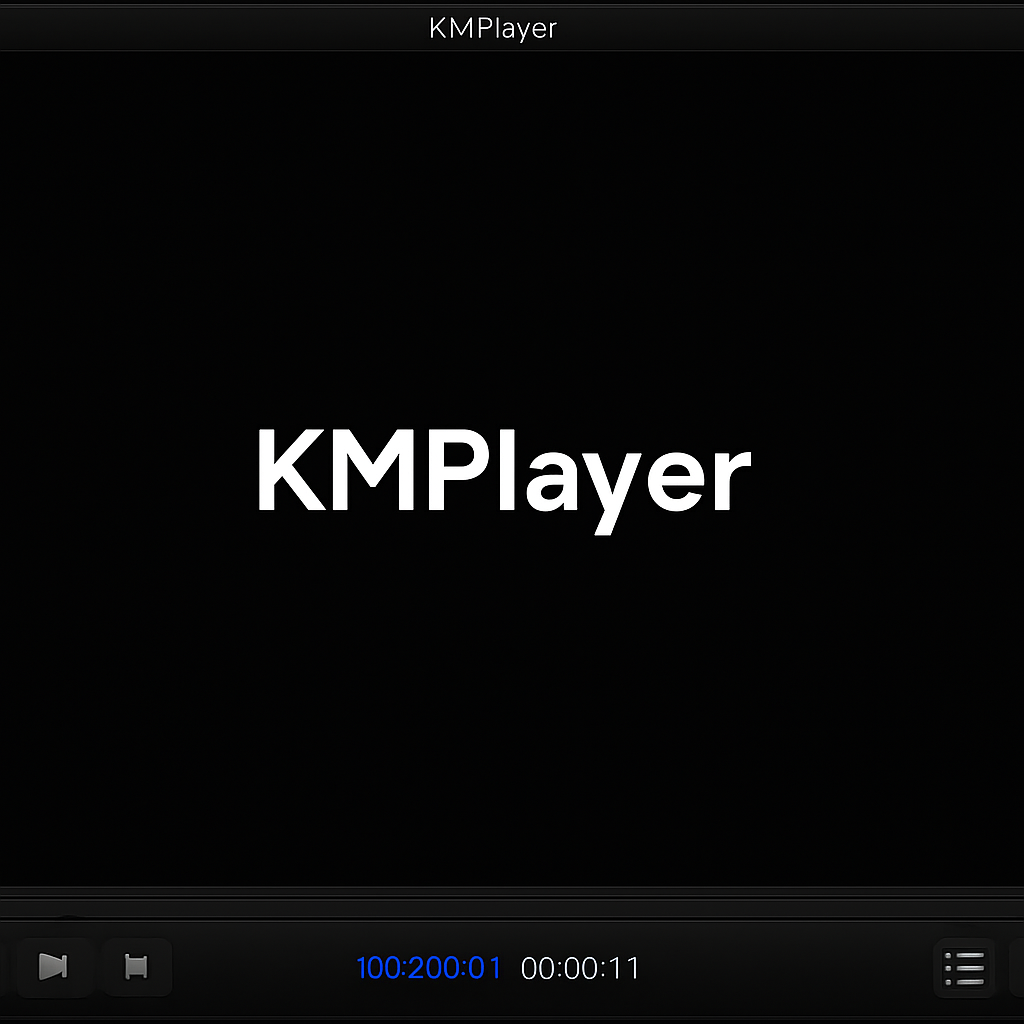
Next up is KMPlayer, known for extensive format support. It boasts advanced features like 3D playback and VR capabilities, catering to tech enthusiasts.
PotPlayer is another standout choice. Its high-quality playback and customizable interface make it popular among advanced users. It supports various codecs.
GOM Player provides a user-friendly experience with built-in codecs. It also offers robust subtitle support, which is a blessing for movie enthusiasts.
Then there’s Plex, a media server solution. Plex organizes and streams content across different devices, making it suitable for home media networks.
Kodi is an open-source media center. It allows extensive customization and add-ons, appealing to users who enjoy personalization.
SMPlayer is another favorite. This cross-platform player features built-in codecs and even supports YouTube, enhancing your viewing options.
In addition to these, other media players deserve mention. Many provide unique features that might align with specific user preferences.
Key players in this category include DivX Player and RealPlayer. Both offer unique advantages, such as high-quality video playback and cloud storage options.
When choosing a VLC alternative, it’s crucial to consider what features are most important to your media usage needs.
Media Player Classic (MPC)
Media Player Classic (MPC) is a lightweight option for Windows. Renowned for its simple interface, it’s easy to navigate.
Key features include:
- Low resource usage
- Smooth playback
- Simple interface
KMPlayer
KMPlayer offers a vast array of supported formats, along with 3D and VR support. It’s a feature-rich alternative.
Consider these highlights:
- Advanced format support
- 3D and VR capabilities
- Easy to use
PotPlayer
PotPlayer excels with high-quality playback and a customizable interface. Advanced users will appreciate its features.
Essential features are:
- Customizable settings
- High-quality playback
- Codecs support

GOM Player
GOM Player is user-friendly with built-in codecs and robust subtitle support. It’s perfect for film enthusiasts.
Significant aspects include:
- Subtitle support
- Built-in codecs
- User-friendly design

Plex
Plex serves as a media server and organizer. It streams media across your devices effortlessly.
Features you might love:
- Media streaming
- Home network suitability
- User-friendly interface
Kodi
Kodi is an open-source media center noted for personalization. It supports various add-ons and customization.
Key features:
- Open-source nature
- Customization options
- Add-ons available
SMPlayer
SMPlayer stands out for being cross-platform with built-in codecs. It also supports direct YouTube viewing.
Noteworthy features:
- Cross-platform support
- Built-in codecs
- YouTube integration
Other Notable Mentions
Several other media players deserve recognition. These options may suit different needs and preferences.
Consider:
- DivX Player: High-quality playback
- RealPlayer: Includes cloud storage
- QuickTime Player: Smooth on macOS
Each offers unique features that may appeal to different users. Consider what’s most important for your media consumption.
How to Choose the Right Media Player for You
Finding the ideal media player depends on your specific needs. Consider how you typically use media and what features are essential to you.
Here’s a simple guide to help you decide:
- Platform Compatibility: Ensure the player supports your operating system.
- Format Support: Look for comprehensive format compatibility.
- User Interface: Choose an interface that’s intuitive for you.
- Additional Features: Consider extras like subtitle support and streaming.
Carefully weigh these factors to ensure a satisfying media experience. The right choice can enhance your enjoyment of videos and music.
Conclusion: Which VLC Alternative Is Best?
The best VLC alternative varies by needs and preferences. Evaluate features and platform compatibility to find your ideal media player.